macOS · v1.0
MarkLite
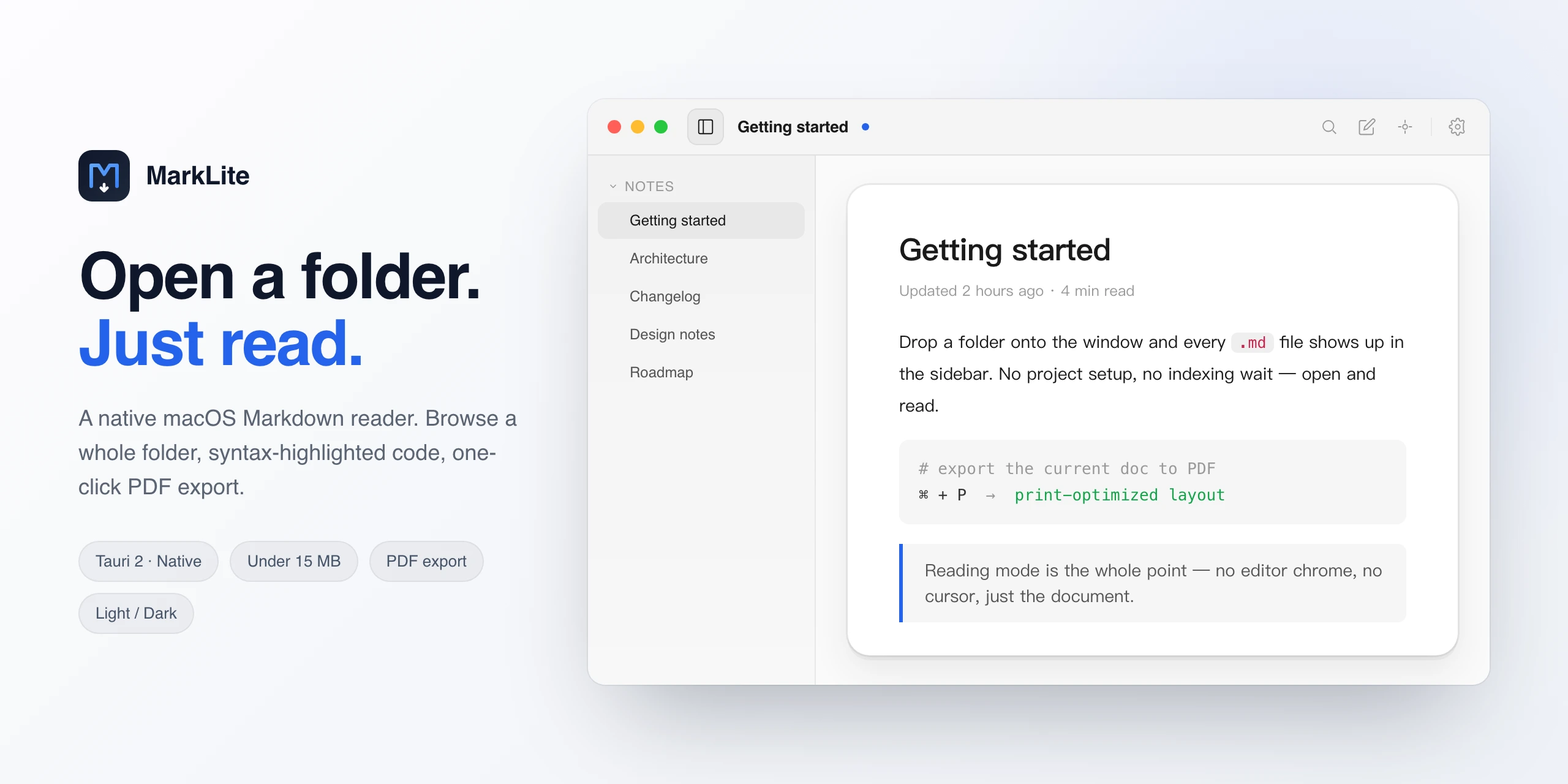
A native macOS Markdown reader that does one thing well. No Electron wrapper, no bloated runtime — just a fast, focused tool. Drag a .md file, get a clean preview. Export to PDF when you need to.
Built on Tauri 2 — Rust shell, system webview. Cold start under a second.
Browse a folder of notes in the sidebar, switch with arrow keys, full-text search across files.
Print-ready PDF with proper page breaks, syntax-highlighted code, and your chosen typography.
Light and dark, four typeface presets. Settings panel stays out of the way.
Files never leave your machine. No telemetry in the app, no account, no cloud.
Requirements
- macOS 11 Big Sur or later
- Apple Silicon (M-series)
- ~15 MB disk space
MarkLite is unsigned right now — first launch needs System Settings → Privacy & Security → Open Anyway. Distribution signing comes after the auto-updater ships.